The story
One shift. Everyone in it.
An animated story: the gate, signing in, picking a truck, the pre-shift check, the floor, and what each person puts in and gets back.
New in 2.2: sign in with Microsoft or Google →
GatiNav is the warehouse management system where nothing moves until it's cleared. The operator's certificate, the forklift's pre-shift check, the bay's damage status, the contractor's papers at the gate and the client the stock belongs to are checked by the database on every scan. All clear, the scan goes through in a second. If not, it stops and says why.
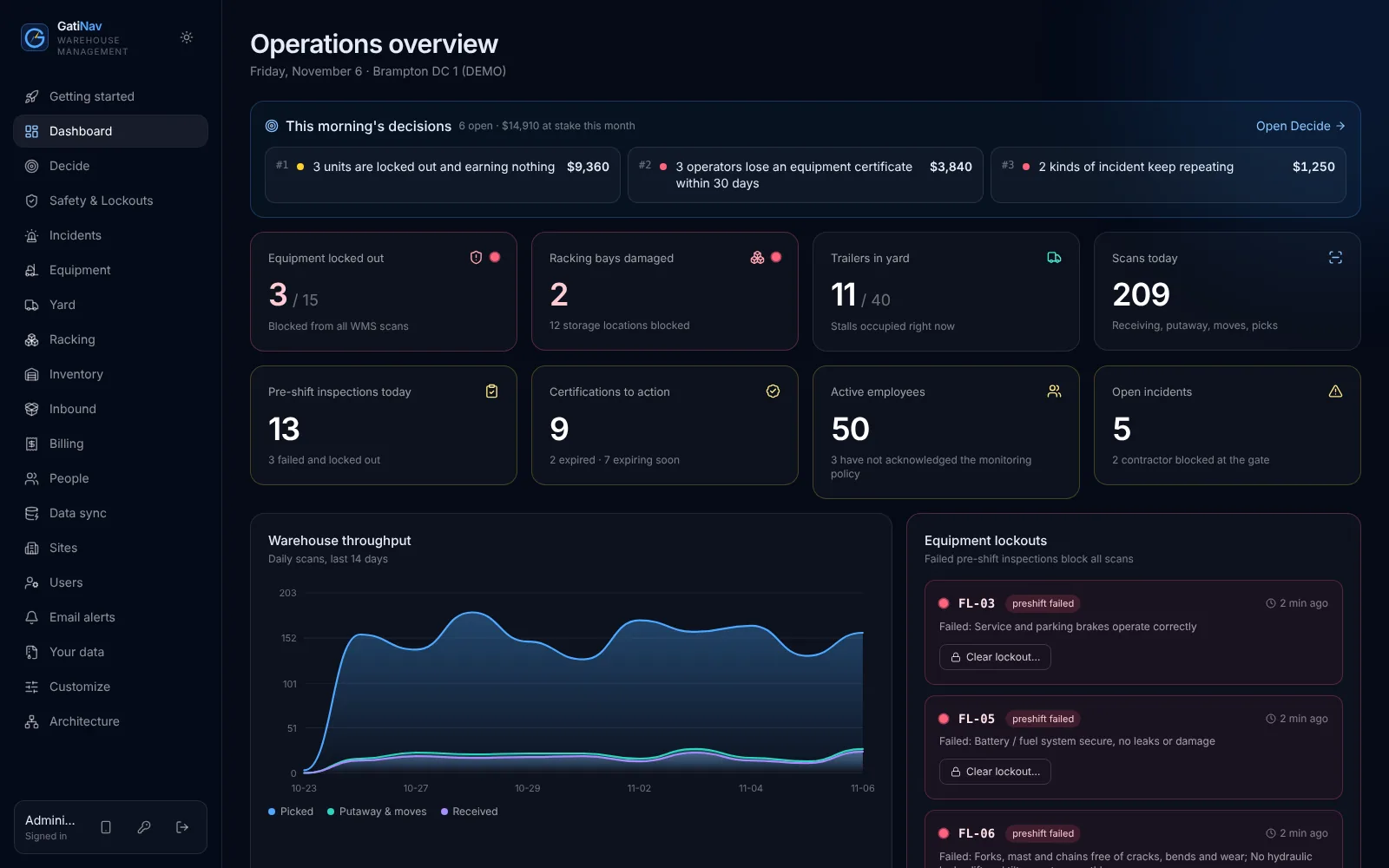
Real screens from the demo. Synthetic data.
Gati is Sanskrit for motion; Nav is to steer. Every warehouse has safety rules on paper, and paper doesn't stop a forklift. GatiNav checks each move before it happens and answers in one of three colours.
Certified operator, inspected truck, sound bay, right client. The scan goes through.
A certificate expires in 9 days, an inspection is due, a trailer has waited too long. It goes through, and someone is told.
A failed pre-shift check, a Grade A damaged bay, a contractor without insurance. Nothing moves, and the screen says why and who can clear it.
Each night GatiNav reads your own data and sizes what is worth acting on, in dollars: work with no rate to bill it, rates that have not moved, storage blocked by damage, trucks standing idle, certificates about to take people off equipment, trailers past free time.
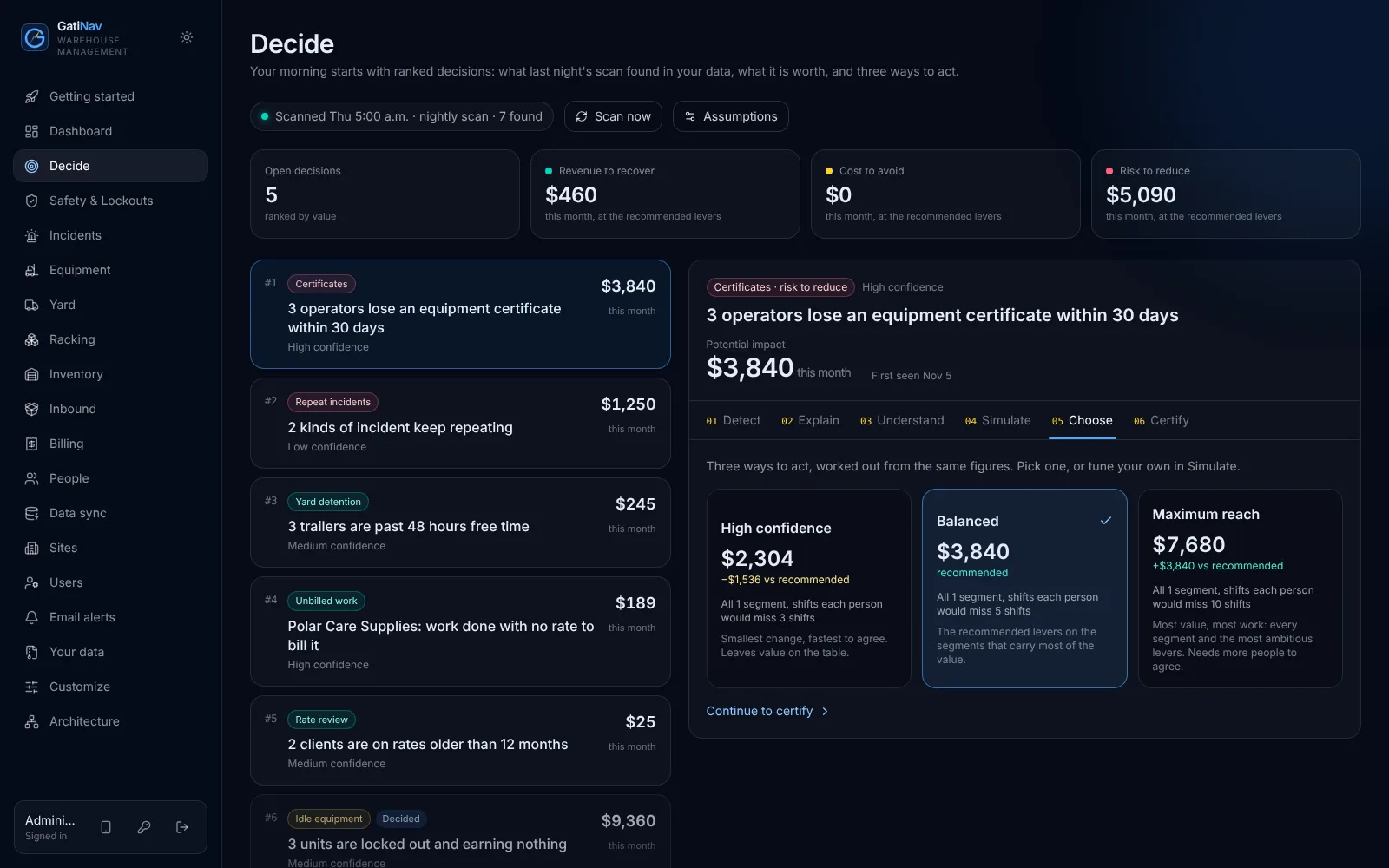
A ranked list each morning, sized in dollars, with how sure it is.
What, why it matters, and the actions, written from your figures.
Where the value sits: which client, bay, truck or certificate.
Move a lever, such as days to repair or a rate increase, and see the impact.
Three ways to act: high confidence, balanced, maximum reach.
A frozen decision report, with follow-up actions emailed to their owners.
Figures come from your data and the assumptions you set. The words are written by fixed rules, not an AI model: the same data always gives the same answer.
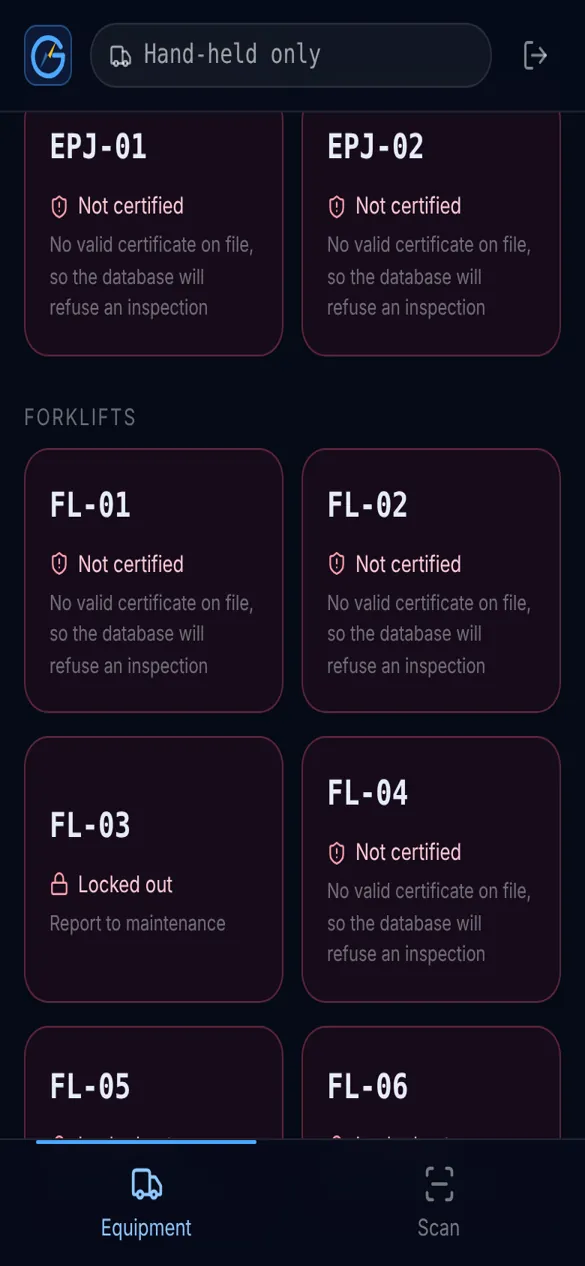
A failed pre-use check must keep the truck parked.
Forklift, WHMIS, first aid. Caught before the shift.
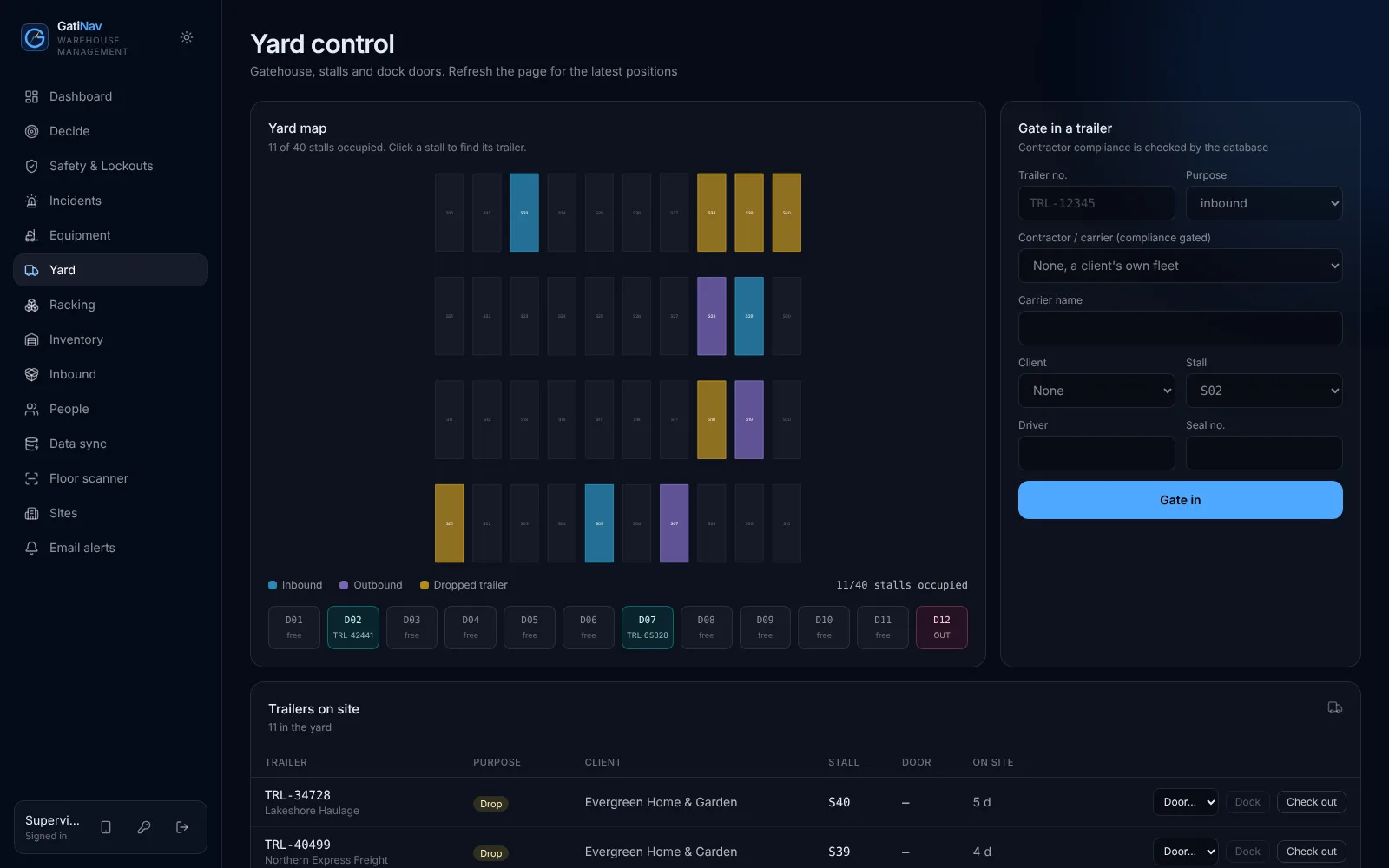
No valid WSIB clearance or insurance, no gate entry.
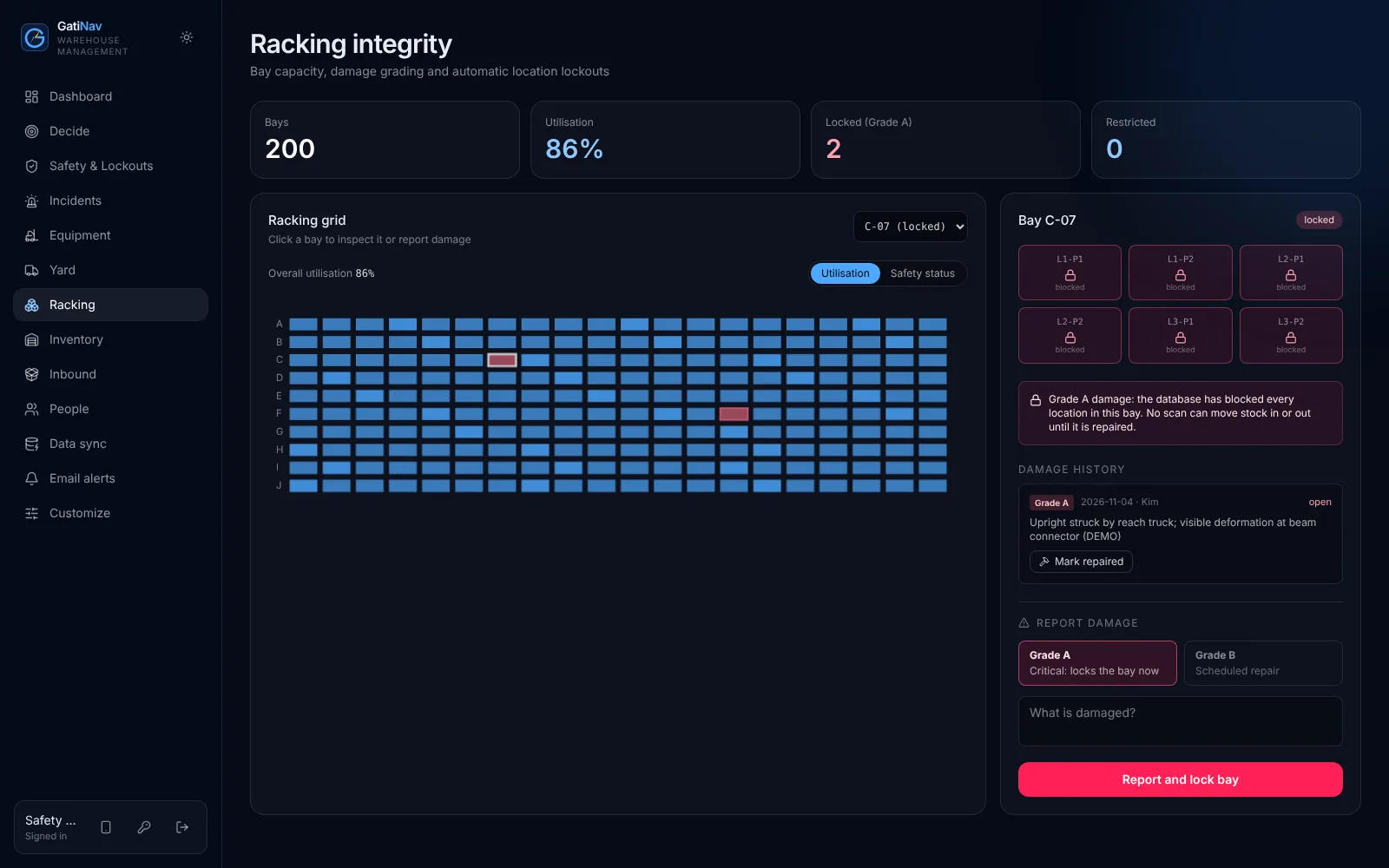
Serious damage locks the bay until it's fixed.
Ontario's ESA rules for 25+ staff. Acknowledgments tracked.
Each client sees only its own stock and charges.
General information, not legal advice.
From the morning's ranked decisions to month-end invoices, recorded in the real product. Captions on screen, so it works with the sound off.
An animated story: the gate, signing in, picking a truck, the pre-shift check, the floor, and what each person puts in and gets back.
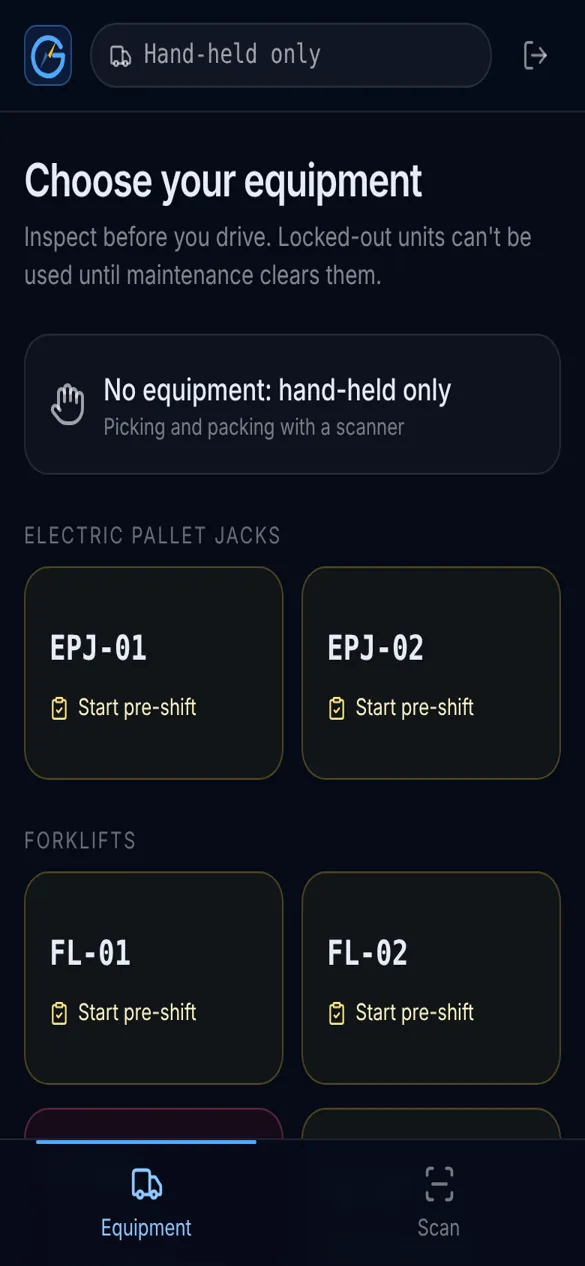
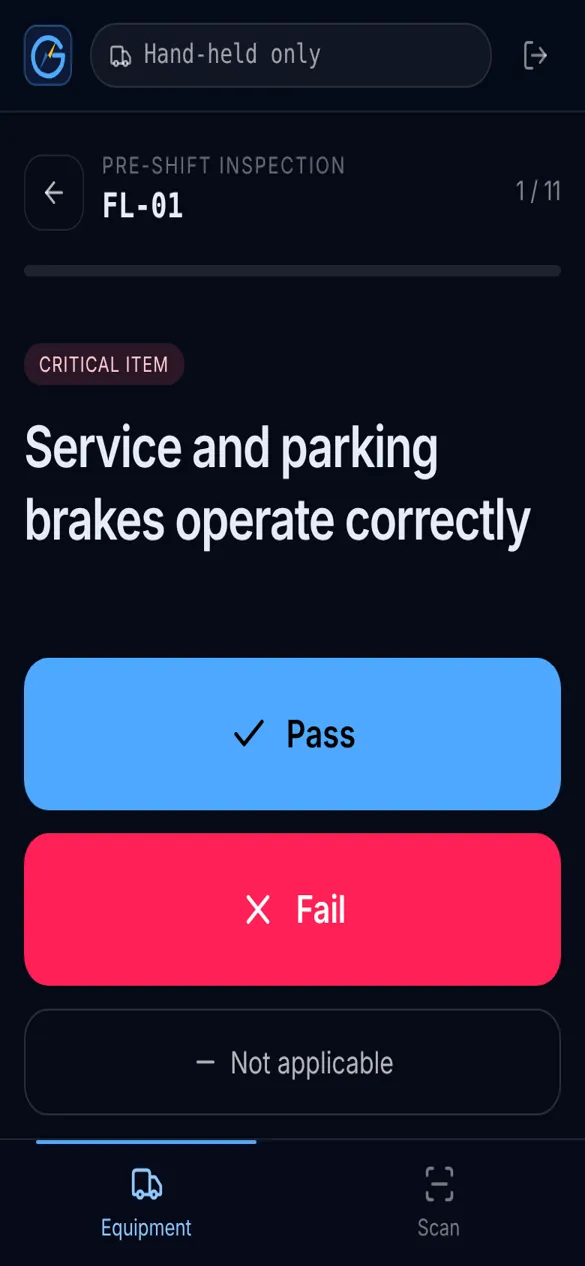
Pre-shift checklist on a phone. The database scores it.
A critical fail locks the truck. Instantly.
Every scan on that truck is refused, from any device.
Maintenance clears it. Then a fresh inspection.
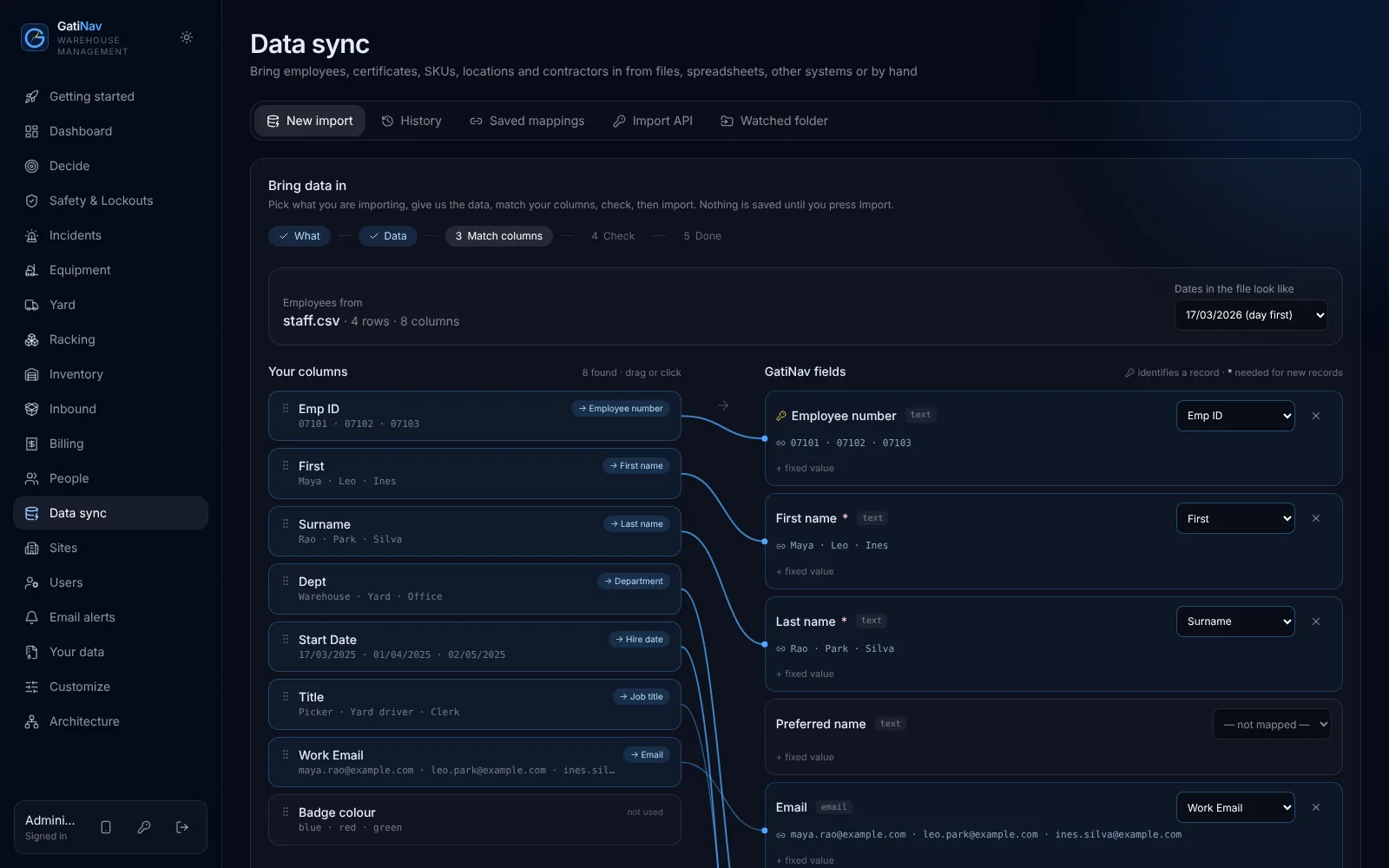
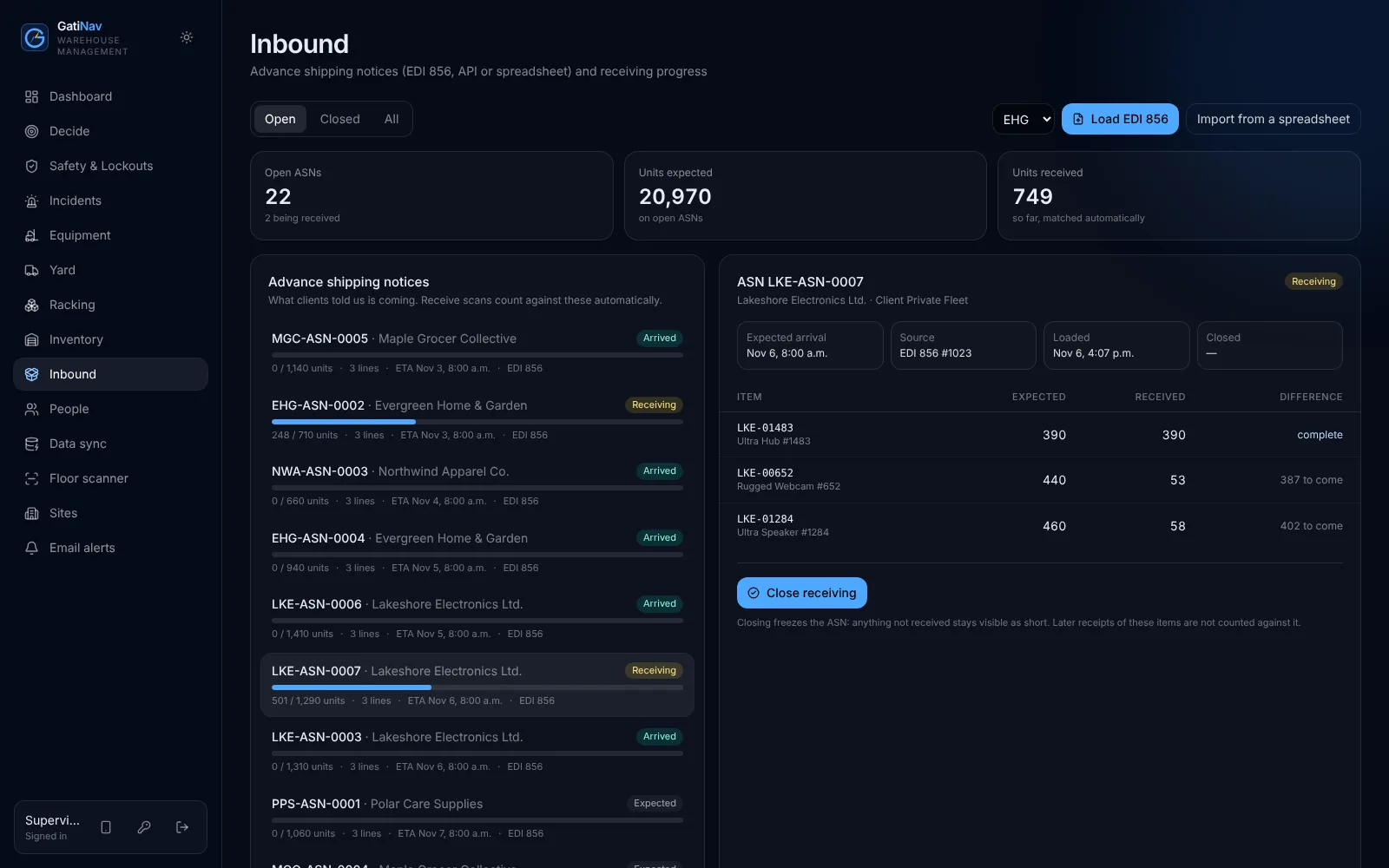
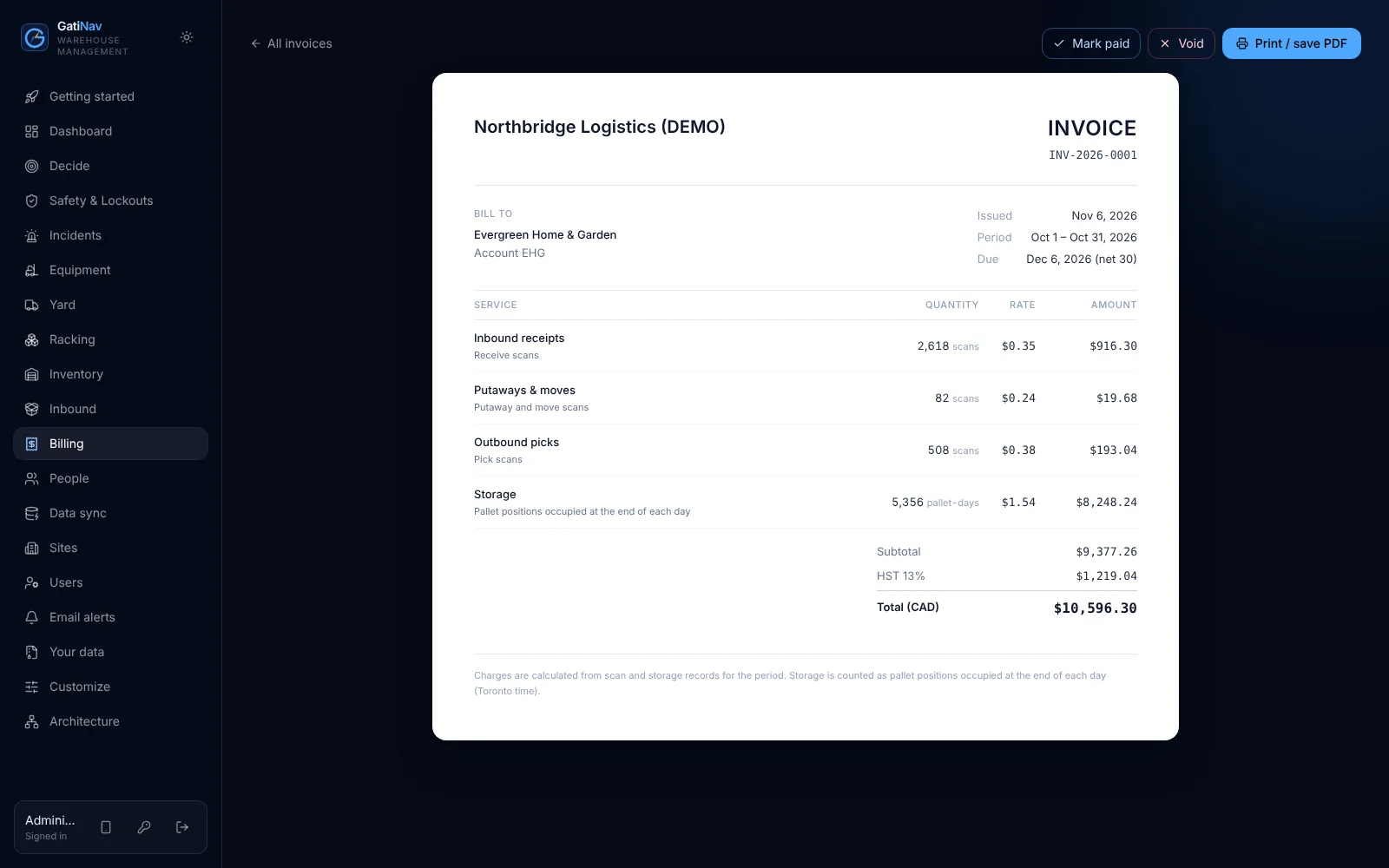
Your own stock or your clients'. Receiving, storage, picking, yard and billing in one place.
Certificates, inspections, lockouts and racking damage enforced, not just recorded.
Their own stock, ASNs and invoices. Never anyone else's.
A getting-started checklist walks your administrator through it, and ticks itself off as you go.
Upload the staff list and certificates. Expiry dates are worked out for you.
Clients, SKUs, locations, equipment and opening stock, from the files you already have.
Their ASNs arrive by EDI, API or spreadsheet. Rate cards set the prices.
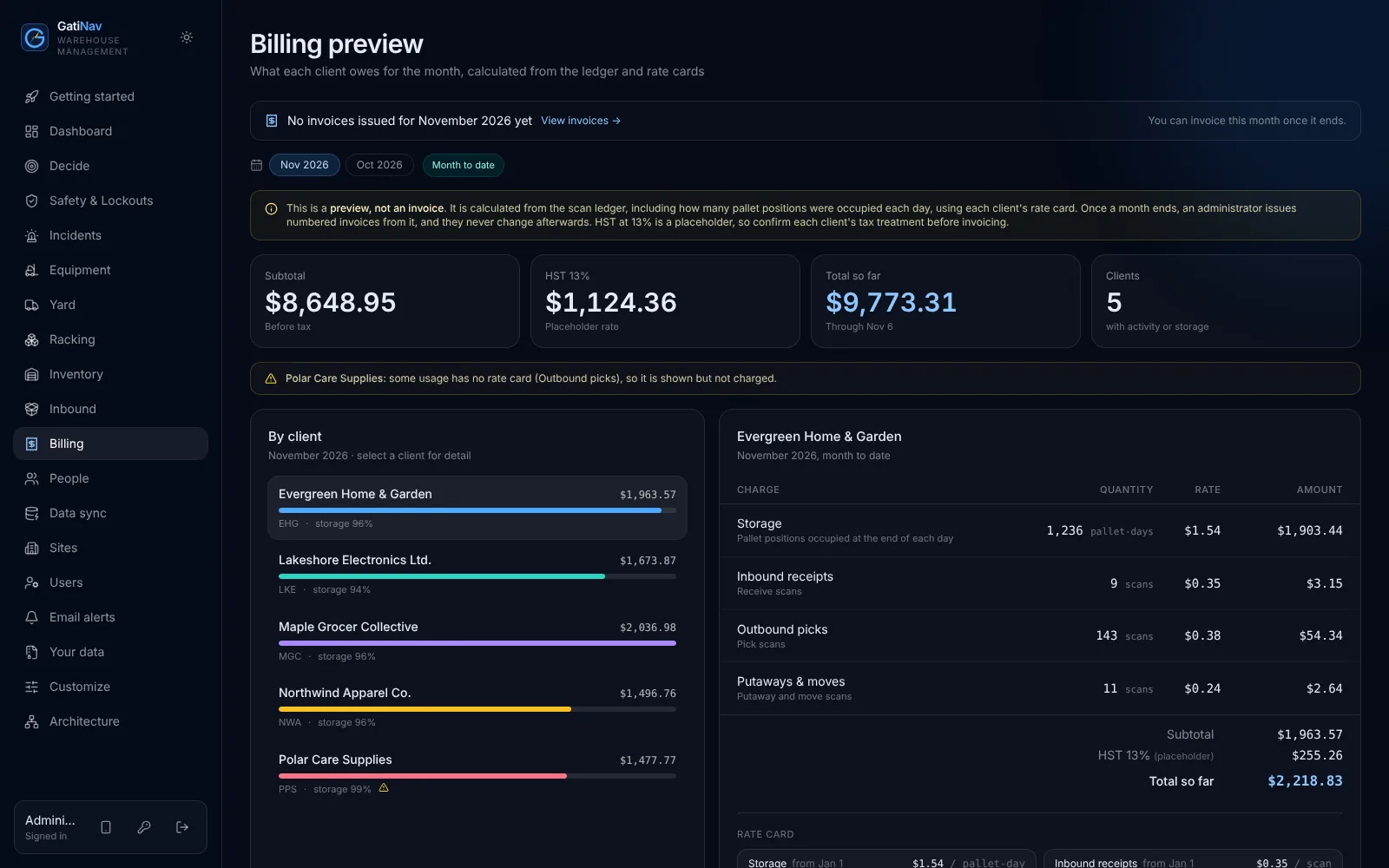
Operators scan with a phone. At month end, invoices come from what was scanned.
Every tenant, every client, walled off in the database.
Any edit to history can be detected.
Stock movements are added, never changed.
Docker and PostgreSQL. No proprietary cloud.
No software can on its own. GatiNav enforces the rules you set; starter defaults should be confirmed by your legal and safety advisers.
No. The database enforces them for every screen, handheld and integration.
On a server you control. We can package it for your cloud as part of a project.
Anywhere in North America. The first release builds in Ontario's rules: Reg. 851 pre-shift inspections, WSIB clearance for contractors and HST on invoices. Future releases add the rules of other provinces, territories and US states, starting with where our customers operate.
Upload Excel or CSV and match your columns on screen, paste from a spreadsheet, type records in, or let your HR or ERP system push them through an import API or a watched folder. Every import is checked first and nothing is saved until you confirm.
Yes to both. Once a month ends, GatiNav issues numbered invoices from the ledger and rate cards; they never change afterwards and print to PDF. Clients' EDI 856 ship notices load as ASNs, through the API or a watched folder, and receive scans count against them.
No. Any phone or tablet camera reads the barcodes. Handheld scanners work too.
Yes. A code from any authenticator app after the password, with recovery codes. Each organisation decides who must use it: administrators, or everyone.
Yes, with work accounts from Microsoft Entra ID or Google Workspace. Your administrator connects your directory, and it signs in only the people you have added to GatiNav. You can also keep passwords for administrators only.
Keep scanning. Scans wait on the phone and are sent, with the time they were taken, when the connection is back. Each is counted once, and every safety rule is still checked.
Any time. Administrators download everything as one spreadsheet-ready file per kind of record. If you leave, we delete your data and give you a deletion certificate.
No. Decide sizes each decision from your own records and the assumptions you set (idle equipment cost, labour cost, detention charge and so on), and writes the briefing with fixed rules. The same data always gives the same figures and words, and every report lists its assumptions.
Per site, per month, with unlimited users, in three plans: Safety, Operations and Command. See the plans, or email for a quote.
With a demo pass, open every screen as an operator, a safety lead or a client.